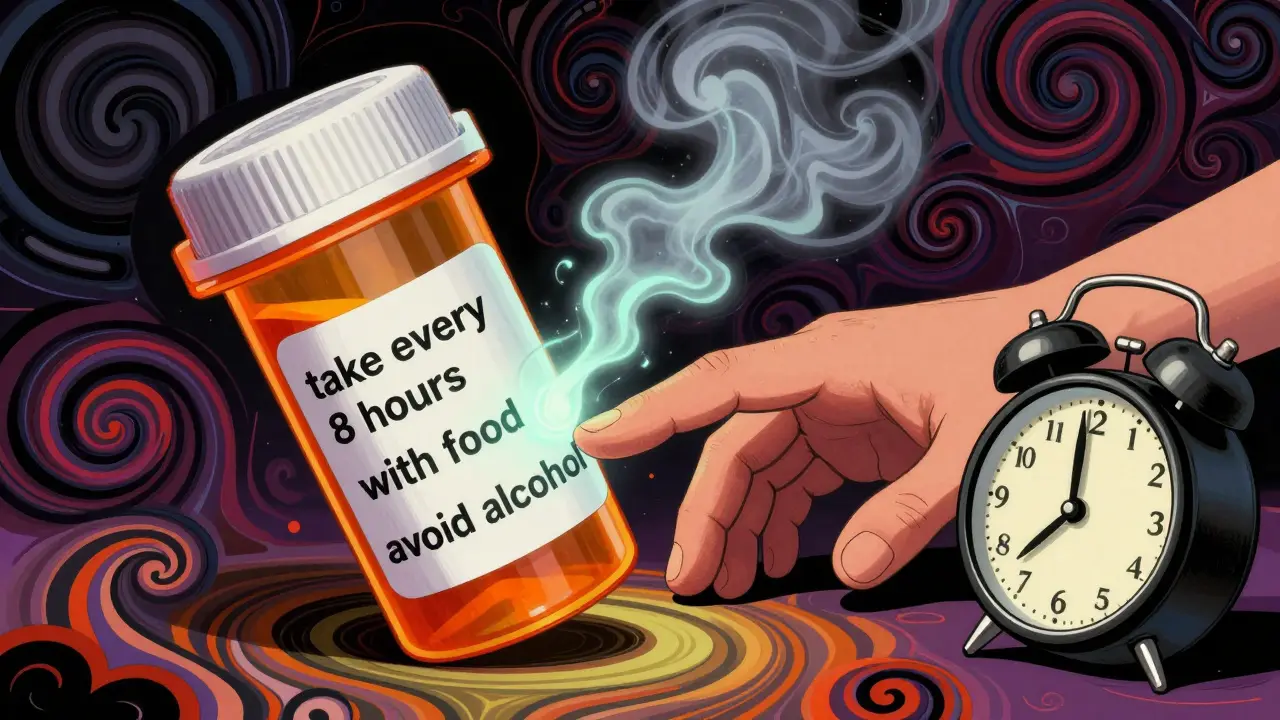
Getting your medication schedule right isn’t just about setting an alarm. It’s about reading the tiny print on the bottle and understanding what it really means. If you’re taking more than one pill a day, or juggling blood pressure meds with diabetes drugs, or even just an antibiotic that needs to be taken on an empty stomach, missing the details on the label can lead to missed doses, side effects, or worse - an overdose. The truth is, most people don’t realize how much critical information is hidden in plain sight on their prescription labels. And when reminder apps ignore that info, they’re doing more harm than good.
What’s Actually on Your Medication Label?
Your prescription label isn’t just a barcode and a name. It’s a mini medical instruction manual. The FDA requires specific details to be clearly printed: the drug’s name, strength (like 10mg or 500mg), dosage form (tablet, capsule, liquid), and how often to take it. But the real keys to accuracy are the fine print: take with food, do not take within 2 hours of antacids, take every 8 hours, or avoid alcohol. These aren’t suggestions - they’re safety rules built into your treatment.A 2023 NIH study found that 78.3% of timing errors happen because people (and apps) overlook these details. You might set a reminder for 8 AM, 2 PM, and 8 PM - but if your label says “take every 8 hours,” that means exactly every 8 hours, not just three times a day. Missing the 2 AM dose because you’re asleep? That’s not adherence - that’s a gap in therapy. And if you’re taking two drugs that interact, like warfarin and ibuprofen, the label might warn you to space them 2 hours apart. Ignoring that can cause dangerous bleeding.
Why Basic Alarm Apps Fail
Most free reminder apps - the ones that just ping you at 7 AM and 7 PM - are built for people who take one pill a day. They don’t know the difference between “take once daily” and “take every 6 hours.” They don’t know if your pill needs to be taken on an empty stomach or if it clashes with your other meds. They treat every drug the same.Compare that to systems like Medisafe or MyTherapy, which use AI to read your label. These apps don’t just ask you to type in your meds. They let you take a photo of the label, or sync with your pharmacy’s electronic record. Then they parse the text: “Take one tablet by mouth every 12 hours” becomes two reminders - 8 AM and 8 PM - and they automatically block a third attempt at 2 PM. If you’re on insulin and a beta-blocker, they check a database of 496,708 known drug interactions and shift your timing to avoid a dangerous overlap.
A 2024 study in the Journal of Medical Systems compared 12 apps. Those that ignored label details had 63.2% more timing errors than those that used them. And it’s not theoretical. The FDA’s adverse event reports show that 37.8% of overdoses in people taking multiple medications happen because reminders didn’t account for minimum dose intervals.
How Advanced Systems Turn Labels Into Schedules
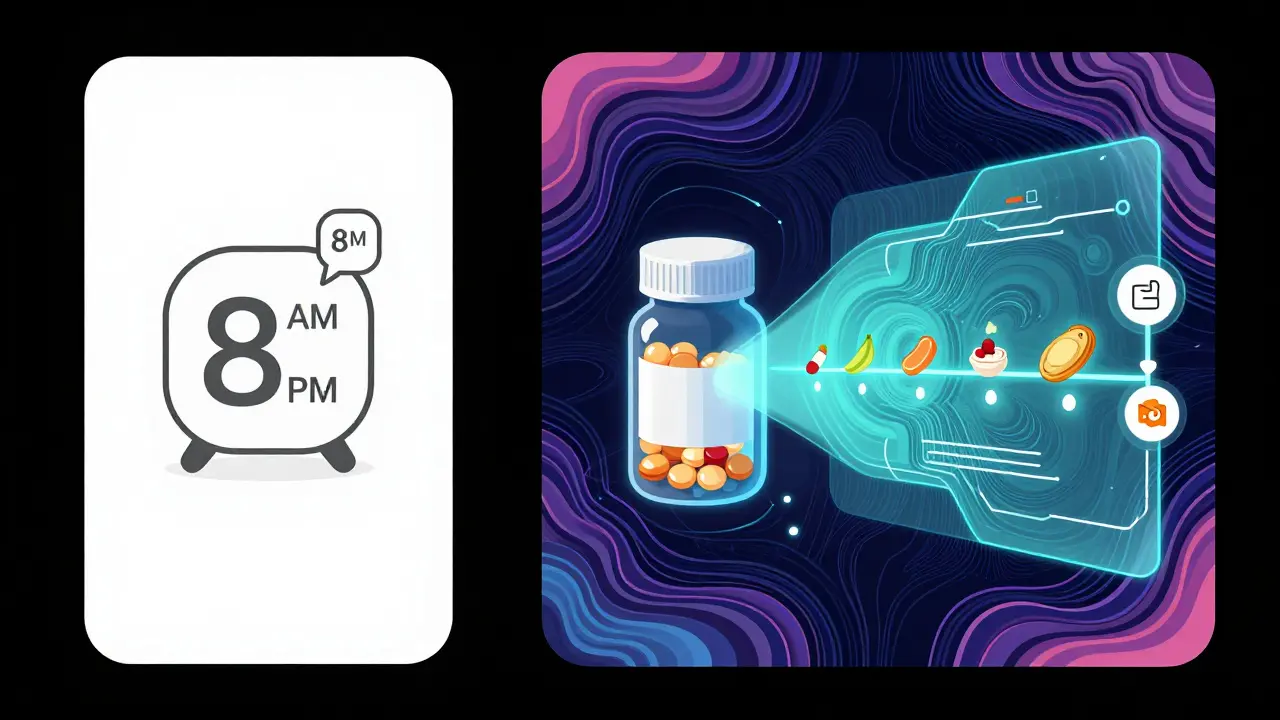
The smartest systems don’t just copy what’s written - they interpret it using standardized medical language. That means converting phrases like “take with meals” into actual calendar events tied to breakfast, lunch, and dinner. They use databases like RxNorm and SNOMED CT to match your drug name and dosage to known clinical rules. If your label says “take on an empty stomach,” the system knows that means at least one hour before or two hours after eating, and it adjusts your reminder accordingly.Here’s how it works in practice:
- The app scans your label using OCR (optical character recognition) with 98.7% accuracy, according to a 2024 study in npj Digital Medicine.
- It extracts key instructions: frequency, timing constraints, food interactions, and warnings.
- It cross-references those with a drug interaction database to check for conflicts with other meds you’re taking.
- It builds a personalized schedule that respects all constraints - even if that means spacing doses at 3 AM because your body needs it.
- It shows you a visual timeline: “Take this pill 30 minutes before breakfast, then wait 2 hours before your blood pressure pill.”
That’s what the Universal Medication Schedule (UMS) framework does. It turns vague instructions into precise, safe, and repeatable actions. A 2024 study in Health Affairs found that systems using UMS achieved 85.1% adherence - the highest rate ever recorded.
What Happens When the Label Is Confusing?
Not all labels are clear. Especially with generic drugs. A 2023 study in the Journal of the American Pharmacists Association found that 22.4% of generic labels use odd phrasing like “take as directed” or “take twice daily as needed” - which leaves room for error. One patient took a steroid “as needed” and ended up taking it four times a day because she thought “as needed” meant “whenever I feel bad.”Even more tricky: some labels don’t mention interactions at all. Your doctor might have told you to avoid grapefruit with your statin, but that note never made it onto the bottle. That’s why the best systems don’t rely on labels alone. They combine label data with your doctor’s prescription notes from your electronic health record. Systems like Epic’s MyChart do this - they pull in both the pharmacy’s label and your provider’s customized instructions.
And here’s the catch: 18.7% of patients need schedules adjusted for personal reasons - shift work, sleep disorders, or kidney function. A reminder that says “take at 8 AM” won’t help someone who works nights. The smartest apps now let you tweak the schedule manually after the label is parsed - so you can move your 2 AM dose to 10 PM if that’s when you’re awake.
Real People, Real Results
On Reddit’s r/medicationadherence, users share stories of life-changing improvements. One woman with type 2 diabetes and hypertension said her app finally showed her why her blood sugar spiked after lunch - because her metformin was set for 8 AM and 8 PM, but her label said “take with meals.” Once the app switched her reminders to breakfast and dinner, her A1C dropped by 1.4 points in two months.Another user on Trustpilot wrote: “The app read my label and figured out my blood pressure meds need to be 12 hours apart, but I can’t take one at 3 AM. So it moved my second dose to 10 PM. My doctor was impressed.”
But not everyone gets it right. A negative review on the Apple App Store said: “It didn’t know my antibiotic needed 12-hour spacing - and it reminded me at 2 AM. I missed two doses because I was asleep.” That’s the problem with apps that don’t let you override or explain constraints.
A 2024 Rock Health analysis of 1,872 reviews found that apps with proper label integration got 32.7% fewer complaints about timing errors. Seniors benefit the most. An AARP survey of 3,500 people over 65 found that 76.4% understood their schedule better when reminders said “take with breakfast” instead of “take at 8 AM.”

How to Choose the Right App
Not all apps are created equal. Here’s what to look for:- Label scanning - Can you take a photo of your pill bottle and have it auto-fill? That’s a sign it reads real labels, not just your manual input.
- Drug interaction checks - Does it warn you if your new antibiotic clashes with your blood thinner?
- Flexible scheduling - Can you adjust times for night shifts, travel, or sleep? Or is it locked to rigid 8 AM/8 PM slots?
- Syncs with your pharmacy - If it pulls data from your pharmacy’s EHR, it’s more likely to be accurate.
- Pharmacist review option - The best systems let you send your schedule to a pharmacist for a second check.
Apps like Medisafe, MyTherapy, and CareZone score high on these. Avoid ones that only let you type in “take 1 pill 2x daily” without asking about food, timing, or interactions.
The Future Is Here - And It’s Mandatory
By 2026, all Medicare-participating health systems in the U.S. will be required to use medication reminder tools that accurately reflect label information. That’s not a suggestion - it’s a federal rule. Hospitals and pharmacies are already rolling out systems that combine label reading with AI and EHR syncs. The goal? Cut preventable errors by half.Even the FDA approved its first AI-powered system in September 2024 - one that uses computer vision to confirm you’ve taken the right pill at the right time. It’s not science fiction anymore. It’s standard care.
If you’re managing multiple medications, don’t rely on guesswork or basic alarms. Your label holds the key. Use a tool that reads it - not just reminds you to open the bottle. Because when it comes to your health, accuracy isn’t optional. It’s life-saving.
Can I just use my phone’s alarm app for medication reminders?
You can, but it’s risky. Basic alarm apps don’t know the difference between “take with food” and “take on an empty stomach,” or between “every 8 hours” and “three times a day.” They can’t detect drug interactions or adjust for your schedule. If you’re on multiple meds, especially for chronic conditions like diabetes or heart disease, a simple alarm could lead to missed doses or dangerous timing errors. Use a dedicated medication app that reads your prescription label instead.
What if my prescription label is hard to read or uses unclear language?
About 22.4% of generic drug labels use vague phrases like “as directed” or “as needed,” which can confuse even experienced users. If the label is unclear, don’t guess. Call your pharmacist or doctor and ask for clarification. Then update your reminder app manually. The best apps let you override their auto-generated schedule - so you can input the correct instructions yourself. Never rely on an app’s interpretation if the label is ambiguous.
Do I need to scan my label every time I get a refill?
Yes - especially if it’s a generic version. Even if the drug name is the same, the manufacturer might change the dosage form, inactive ingredients, or instructions. A new bottle might say “take with food” when the last one didn’t. Always scan the new label or verify the instructions with your pharmacy. Some apps auto-update when your pharmacy sends a new prescription electronically, but if you pick up your med in person, scan the label again.
Can medication reminder apps replace my pharmacist’s advice?
No. Apps are tools, not replacements for professional care. While they can interpret label information and flag interactions, they can’t assess your overall health, kidney function, or how a new medication affects you personally. Always talk to your pharmacist or doctor before starting, stopping, or changing any medication. The most effective systems - like those used by hospitals - combine AI with human review. Use the app to stay on track, but keep your care team in the loop.
Are there free apps that use label information accurately?
Yes. MyTherapy and CareZone offer free versions with label scanning and drug interaction checks. Medisafe’s free tier includes basic label reading and reminders. But free versions may limit features like pharmacist review or EHR syncing. If you’re on multiple medications or have complex health needs, consider upgrading to a premium plan - or ask your pharmacy if they offer a free, clinic-approved app. The cost of a missed dose or adverse reaction far outweighs the price of a subscription.
If you’re taking more than one medication, start today: grab your latest prescription bottle, open your reminder app, and scan the label. Watch how it changes your schedule. Then, tell your doctor what it found. You might be surprised how much your label was hiding - and how much it can teach you.
Lori Anne Franklin
December 26, 2025 AT 07:34Bryan Woods
December 26, 2025 AT 09:39Ryan Cheng
December 27, 2025 AT 04:55wendy parrales fong
December 28, 2025 AT 19:35Jeanette Jeffrey
December 30, 2025 AT 00:43Shreyash Gupta
December 31, 2025 AT 17:58Ellie Stretshberry
January 1, 2026 AT 13:54Zina Constantin
January 2, 2026 AT 22:41Dan Alatepe
January 4, 2026 AT 20:49Angela Spagnolo
January 6, 2026 AT 10:29Sarah Holmes
January 6, 2026 AT 20:45SHAKTI BHARDWAJ
January 8, 2026 AT 01:39Matthew Ingersoll
January 9, 2026 AT 23:03carissa projo
January 10, 2026 AT 15:49